Maxon’s Cinema 4D now has MCP support built directly into the creation software, enabling users to leverage their AI assistant of choice, including Claude and ChatGPT, to off-load certain tasks and streamline their work, while enabling the artist to remain in control. The connection runs locally on the user’s computer but requires the person to opt-in, and the person can choose which Cinema 4D tools the assistant is able to access.
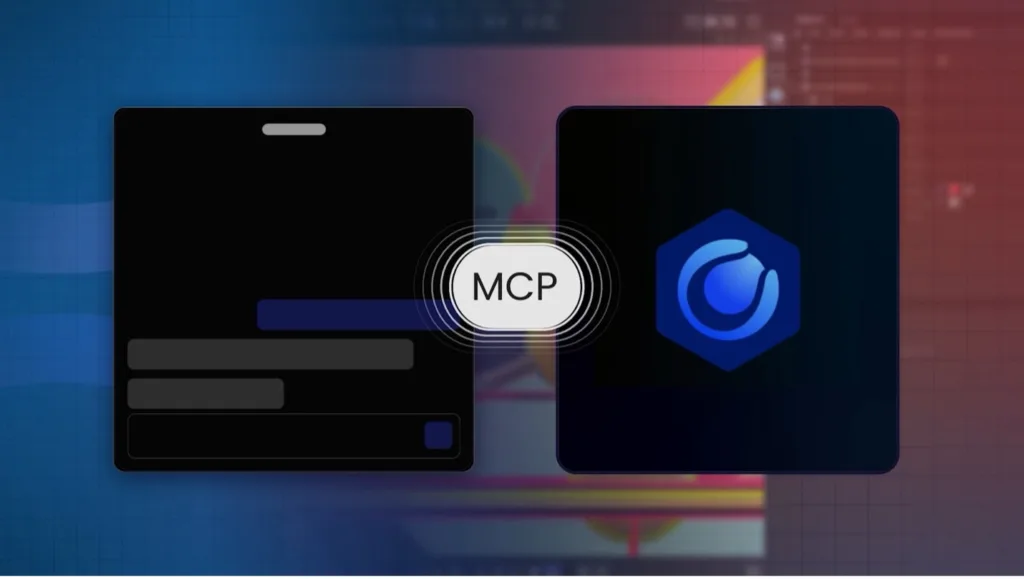
Maxon creators are getting an AI boost with the newly introduced Model Context Protocol (MCP) server for Maxon’s Cinema 4D, an open standard for connecting AI assistants to software and use its tools. To this end, users can access AI assistants like Claude and ChatGPT directly within their Cinema 4D workflows, or they can connect to another MCP client.
It is available now, with no additional cost, in the full version of the Cinema 4D 2026.4 or later application on Windows and macOS, along with the desktop client for the AI application of choice, both on the same computer.
Small technical and repetitive tasks are part of the creative process, but by using natural language instructions, artists now can streamline functions and off-load repetitive, procedural, and iterative tasks—including scene organization, object and material variations, multipass render preparation, camera tracking, rigging, and more—so they can focus more on the creative aspects of their work. Meanwhile, users make all creative decisions, retaining control over review, refinement, and iteration of the results within Cinema 4D.
Users also control which Cinema 4D tools (across 15 groups in the preferences) that the AI assistant can use. The MCP Server is turned off by default and must be activated by the user.
“The idea is simple: Artists retain control while handing off any tasks they consider a chore. MCP support enables us to make Cinema 4D more powerful without taking the creative process away from the artist,” said David McGavran, CEO of Maxon.
According to Maxon, every action happens through Cinema 4D’s own tools, in the artist’s own scene, on their own machine, and under their control. The results remain native Cinema 4D scene data, allowing artists to inspect what was created, refine or undo it, and continue building on their creative work directly in Cinema 4D. Actions are performed through Cinema 4D’s own API, and each batch of MCP-driven changes is broken down in the undo history. Commands are also written to a local audit log, providing visibility into what actions the assistant has taken. The result is standard native Cinema 4D scene data rather than a flattened generated output.
LIKE WHAT YOU SAW HERE? SHARE THE EXPERIENCE, TELL YOUR FRIENDS.